
auto_awesome
AI avatar studio · 40+ languages
Turn any voice into a lifelike talking avatar
Real-time, studio-quality avatar videos in any language — from a voice and a face.
Speak to the world · 40+ languages
English
Español
हिन्दी
العربية
中文
Français
Deutsch
日本語
اردو
한국어
English
Español
हिन्दी
العربية
中文
Français
Deutsch
日本語
اردو
한국어
English
Español
हिन्दी
العربية
中文
Français
Deutsch
日本語
اردو
한국어
English
Español
हिन्दी
العربية
中文
Français
Deutsch
日本語
اردو
한국어
Avatar library
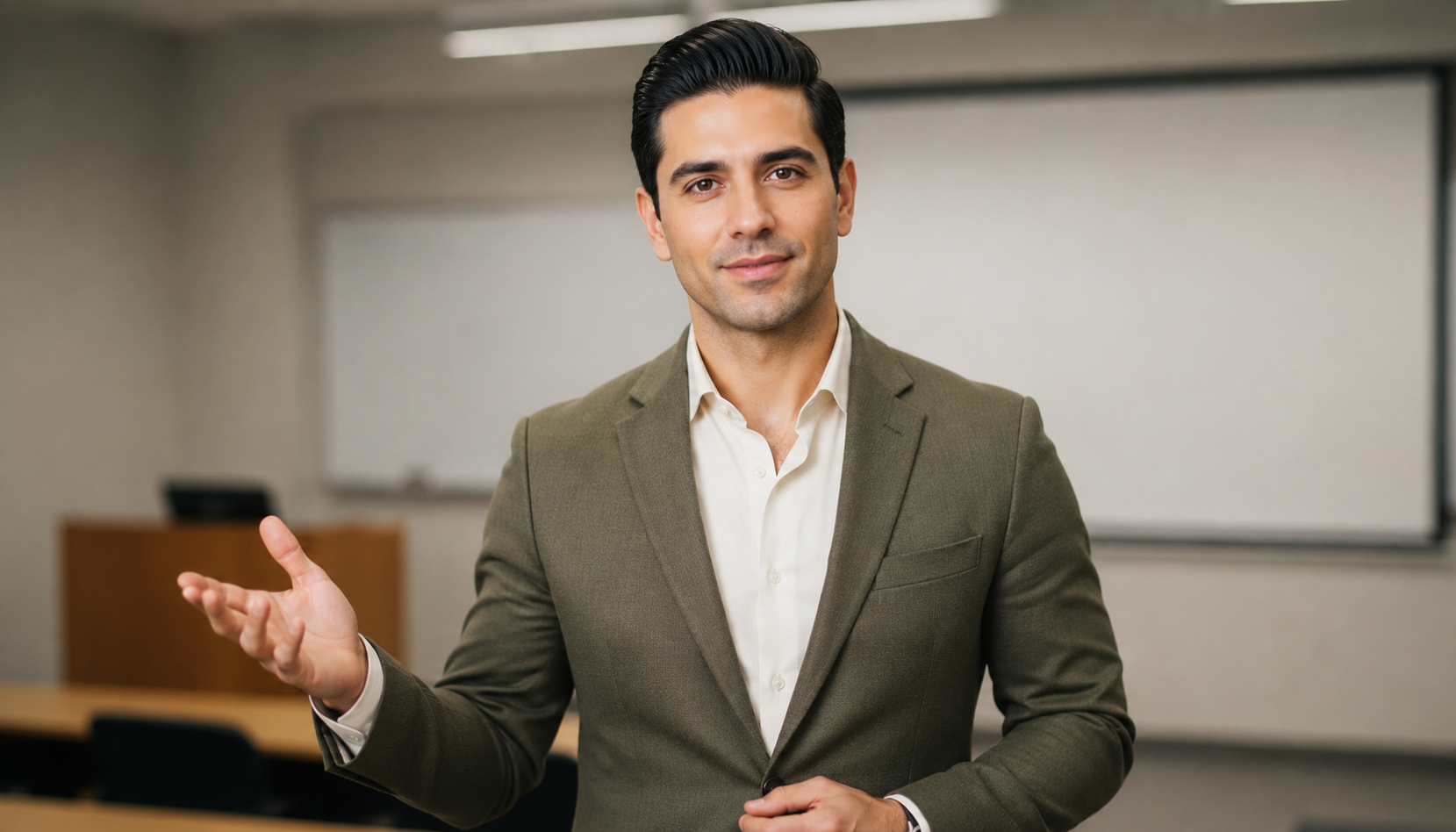
Choose an avatar
Pick a library face or create your own, then open it in the studio.








How it works
Make an avatar in 3 steps
Pick a face, add a voice, and generate a lip-synced video — all in one studio.
add
New character

Character Background. Character Personality. Speech Style.
STEP 1
Add your voice
mic Upload audio library_music Library voiceSTEP 2
STEP 3
AI avatar generator for studio-quality videos
Pick a face from the library or upload your own, add any voice, then fine-tune the render. Persona AI turns that into a lip-synced talking avatar — in any language.
Create an AI avatar
graphic_eq
Upload a voice or pick a library voice
upload
Upload
recent_actors
Avatar
Showcase
See it in action
Hover a clip to play with sound. Every video here was generated on Persona AI.
Use cases
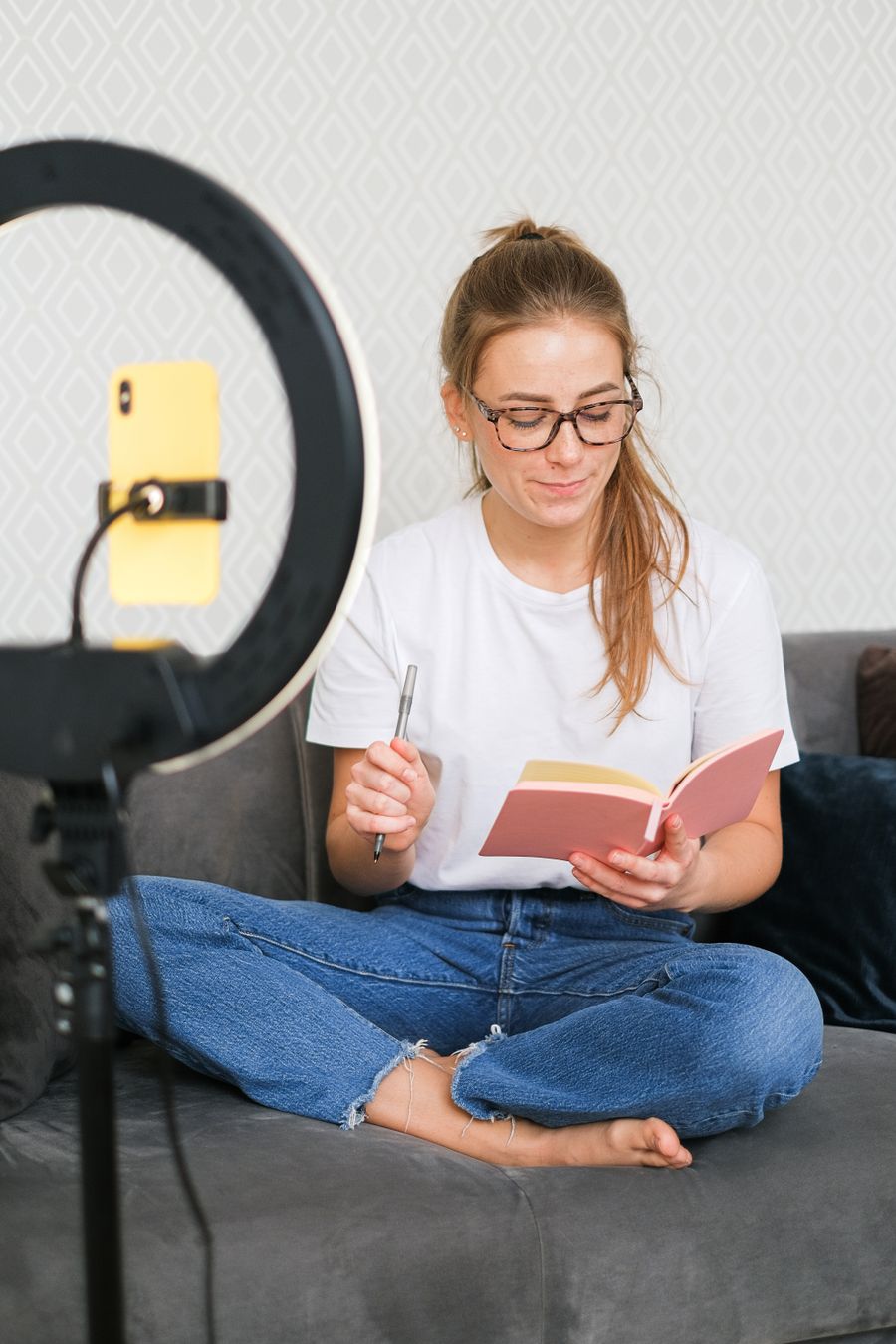
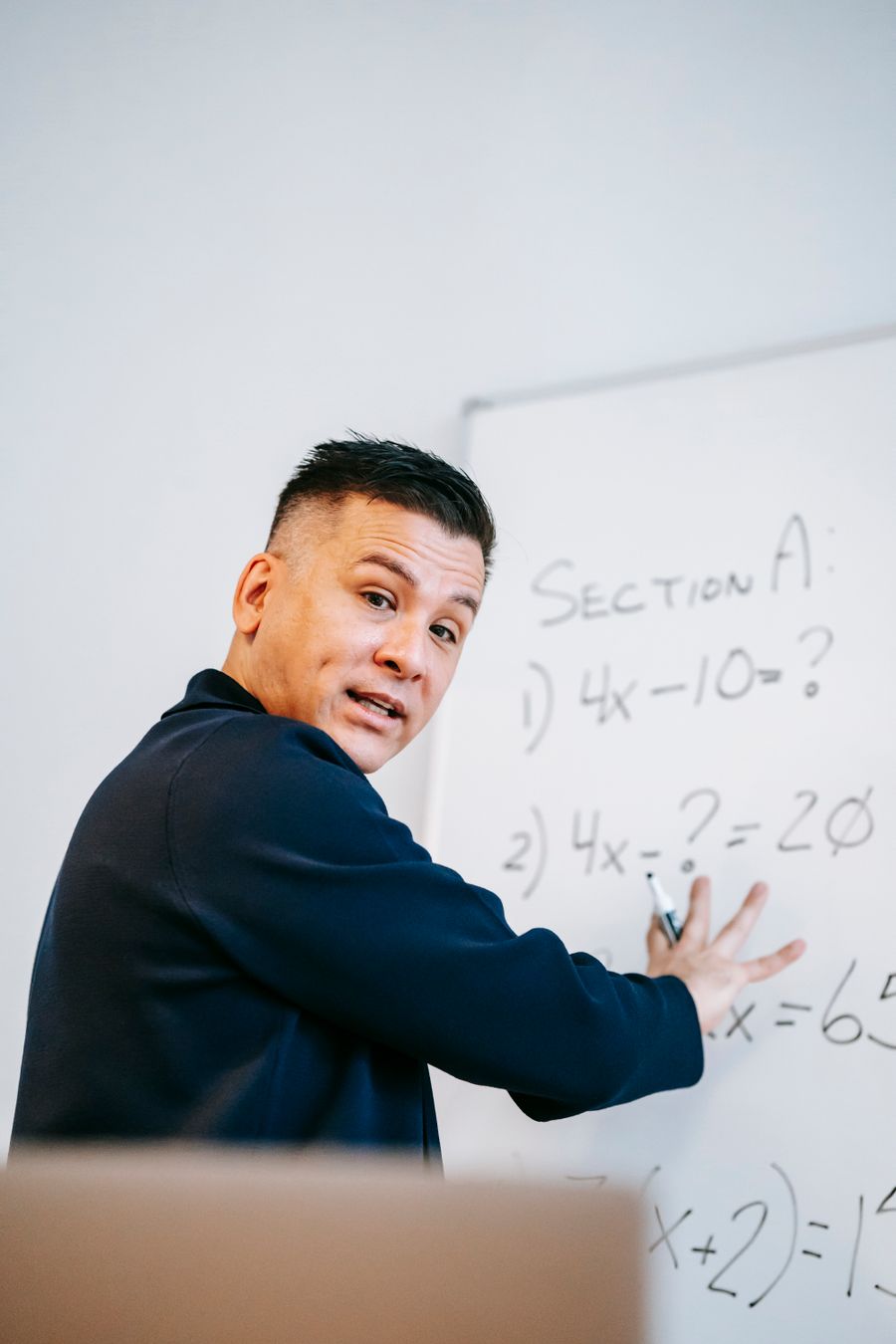
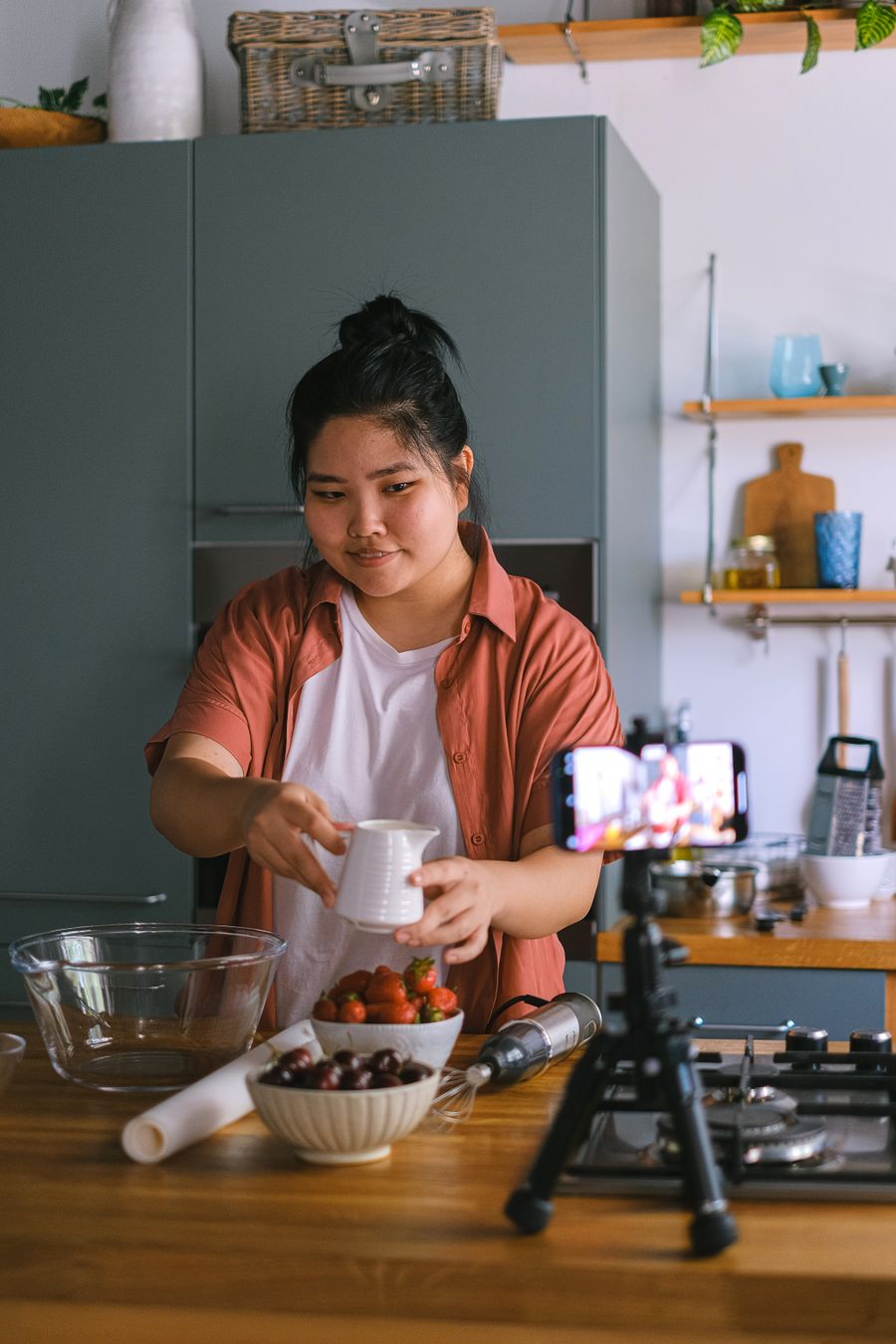
One studio, every kind of video
Pick a template, drop in your voice, and let your avatar deliver it — ads, lessons, explainers, news or podcasts.

Testimonials
Loved by modern creators
Educators, producers and marketers shipping video faster with Persona AI.
star
star
star
star
star
"I made a full course in three languages in a single afternoon. The upload-your-own-voice option is a game changer."
Online educator
star
star
star
star
star
"The frame controls give me the exact look I want. No other tool lets me tune steps, shift and FPS like this."
Video producer
star
star
star
star
star
"We localize all our ads here now. One platform, our own faces, every market's language."
Growth marketer
FAQ
Questions, answered
Voices, avatars, render controls and pricing — the short version.
Can I upload my own voice and photo?
Yes — bring any audio track and any front-facing photo, or pick from our built-in voice and avatar libraries.
Which languages are supported?
40+ languages and accents. The avatar speaks whatever language your audio or selected library voice is in.
What can I control on each render?
Canvas size, max frames, steps, shift, audio scale, FPS, CRF, seed and the prompt — full creative control per job.
How long does a video take to generate?
It depends on clip length and your frame settings. Jobs run in the background and every finished video lands in your history.
How much does it cost?
Start free, then pick a plan that fits your volume. See the pricing page for details.